Regfistration | FREE2EX Wallet app
You can register an account in just a few simple steps:
1. Select the “Sign Up” option
2. Enter your email address. Read the terms of use and agree to the processing of personal data
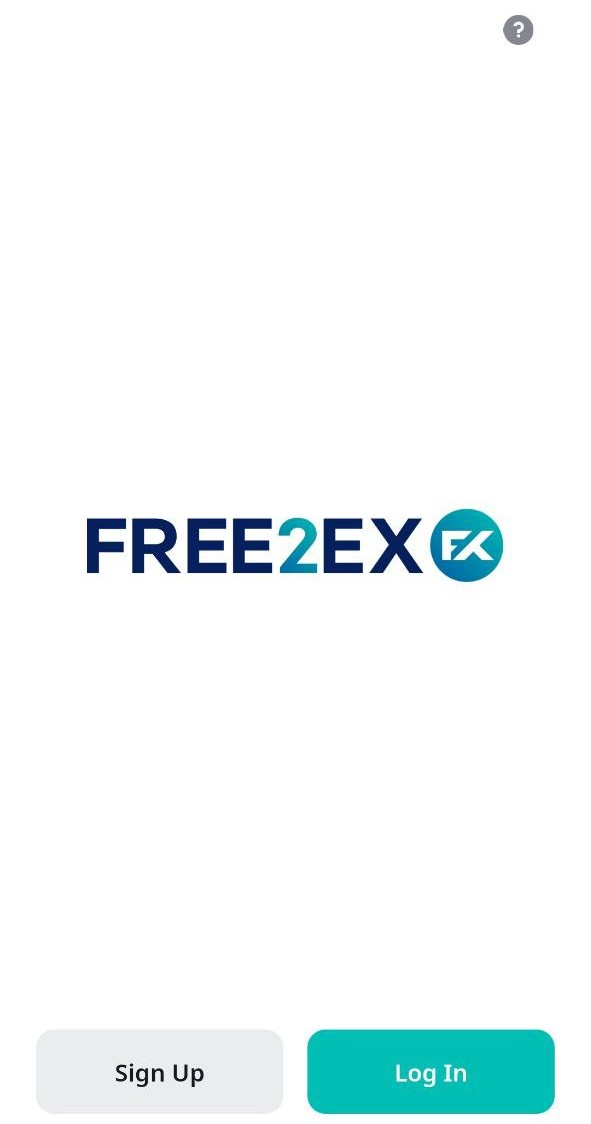

3. Verify your email address. Within a few minutes, you will receive an email with a verification code. Copy the code and paste it into the confirmation field

4. Add your phone number

5. A verification code will be sent to your phone number, and you will also need to enter it into the confirmation field

6. Enter your name and create a password. Then tap “Continue”

7. For your convenience, you can create a passcode and enable biometrics for quick access.

You need to enter passcode twice:

8. Now you can log in your personal account using your email and password, or passcode, or biometrics.

Related Articles
«Wallet» Widget
Once you log in to the app, you will see the main screen with your total balance (FREE2EX Balance) and the following sections: Wallet, Invest, Spot, and Margin. On the main screen, you can view your total balance and the balance of each section, as ..."Wallet" widget | FREE2EX Web App
As soon as you log in, you will see the main screen with your FREE2EX Balance and operation buttons to deposit, withdraw, exchange funds, and make internal transfers. You will also see the sections eWallet, Invest, Trade, and Leverage, along with the ..."Wallet" widget
As soon as you log in, you will see the main screen with your FREE2EX Balance and operation buttons to deposit, withdraw, exchange funds, and make internal transfers. You will also see the sections eWallet, Invest, Trade, and Leverage, along with the ...Move button | FREE2EX app
The “Move” button is on the main screen of the app: Tap the “Move” button to move assets between your wallet and your Invest*, Trade, and Margin* accounts: select the account you want to transfer assets from, and the account you are transferring to, ...«Transfer» Button | FREE2EX Web App
The “Move” button is on the main screen of the app: Tap the “Move” button to move assets between your wallet and your Invest*, Trade, and Margin* accounts: select the account you want to transfer assets from, and the account you are transferring to, ...